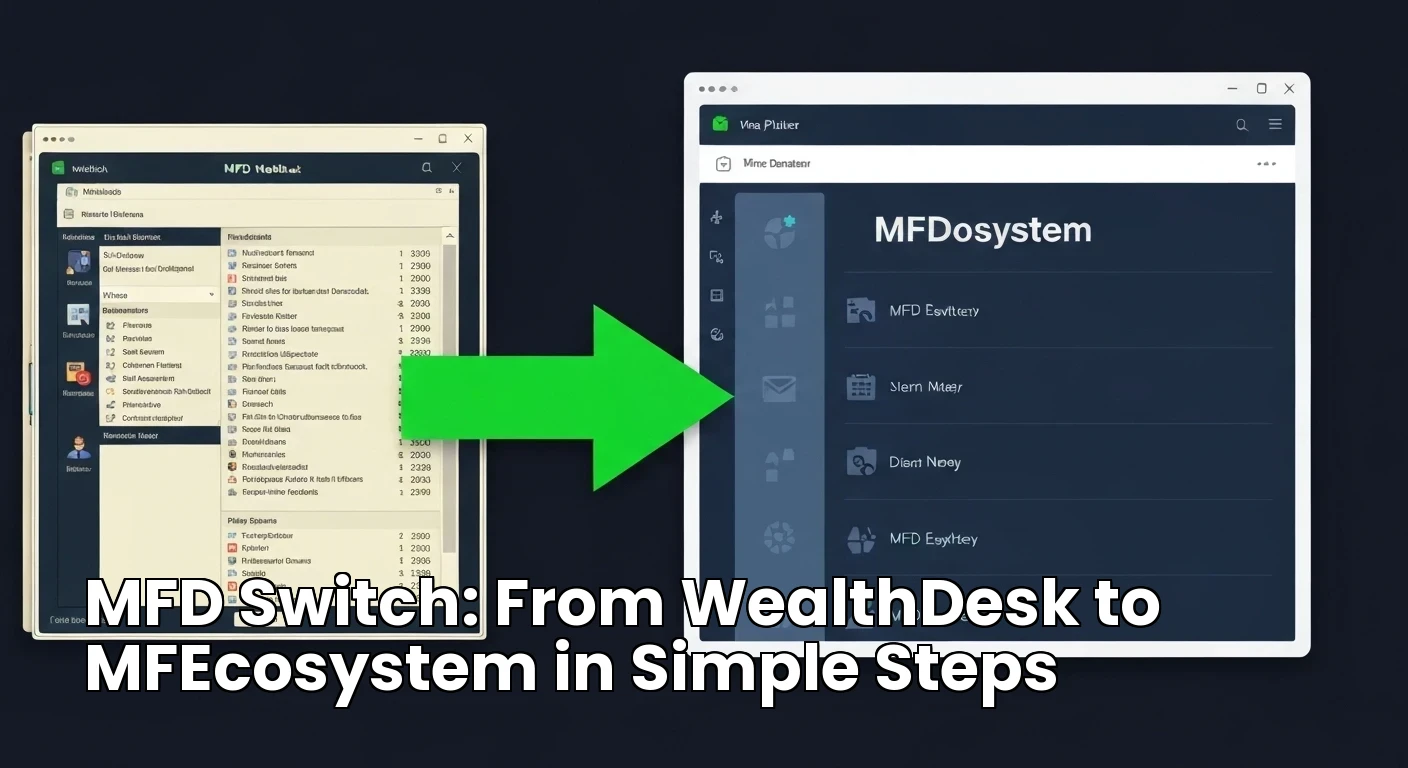
MFD Switch: From WealthDesk to MFEcosystem in Simple Steps
Switching from one MFD platform to another can feel complicated. But with a clear plan, the move from WealthDesk to MFEcosystem can be smooth and low-risk. This guide breaks the process into simple steps that any MFD can follow.
Step 1: Export Your Data
Request a full export of client records, folio data, transaction history, and brokerage reports from your current WealthDesk account. Also download CAS files from CAMS and KFintech for all client PANs. Keep secure backups of everything before you make any changes.
Step 2: Review Your Contract
Read the notice period, auto-renewal, data export terms, and any termination or exit fees. Send written notice according to the contract. Keep a copy of your communication. Do not wait until the last day, because some platforms restrict data access after notice is given.
Step 3: Prepare and Clean Data
Clean the exported data before importing. Remove duplicates, fix client names, validate PAN and KYC, and standardize scheme names. Clean data saves time and reduces errors during import.
Step 4: Load to MFEcosystem Staging
Import the data into the MFEcosystem staging environment. Test reports, client views, SIP tracking, and transactions. Reconcile totals with the old platform. Fix any differences before going live.
Step 5: Train and Go Live
Train your team on MFEcosystem workflows. Communicate the switch to clients. Then go live when everyone is confident. Provide a support window for the first few weeks to catch any issues.
Conclusion
The MFD switch from WealthDesk to MFEcosystem is straightforward when you follow these steps. With data export, contract review, cleaning, staging, and training, you can move safely without losing clients or data.