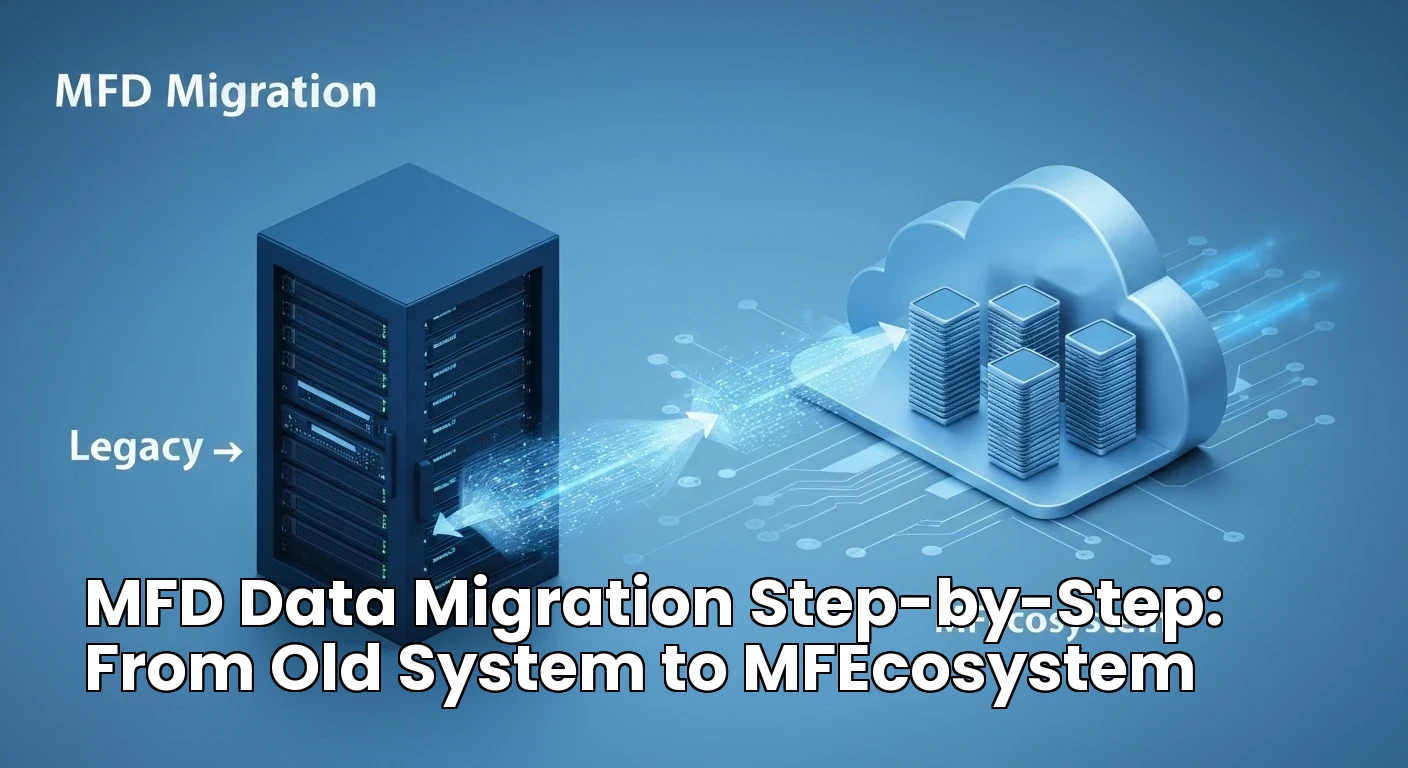
MFD Data Migration Step-by-Step: From Old System to MFEcosystem
Data migration is the most important technical step in switching MFD platforms. When it is done correctly, client records, folios, transactions, and systematic plans move safely to the new system. When it is done poorly, it creates confusion, missing records, and compliance gaps. This guide walks through a step-by-step MFD data migration from the old system to MFEcosystem.
Step 1: Data Discovery
List all the places where your data currently lives. This may include RTA consolidated account statements, your existing CRM or platform, Excel sheets, brokerage reports, and client files. Understand the format, quality, and completeness of each source. Identify which data is essential and which is historical.
Step 2: Data Extraction
Export data from every source. Request CAS files from CAMS and KFintech for each PAN. Export client records, transaction history, folio details, SIP and STP schedules, and compliance data from the current platform. Keep secure backups of all exports. Never delete the old data until the migration is fully verified.
Step 3: Data Cleansing
Clean the data before loading it into the new platform. Remove duplicate client records. Fix spelling errors and missing PAN. Update KYC and contact details. Standardize scheme names and folio numbers. This step is often the most time-consuming, but it is essential for accurate reporting and client service.
Step 4: Load and Test in Staging
Load the clean data into the staging environment. The staging platform is a safe copy where you can test without affecting live clients. Run reconciliation checks. Compare client counts, AUM, folio totals, and SIP details against the original sources. Generate sample reports and fix any mismatches.
Step 5: Go-Live
Once testing is complete and you are confident, move the data to the live platform. Train your team on the new workflows. Send client communication about the new portal and any login steps. Run the old and new systems in parallel for a short period if possible, then close the old system.
Conclusion
Following this MFD data migration step-by-step process protects your clients and your AUM. With proper discovery, extraction, cleansing, testing, and go-live planning, you can move to MFEcosystem safely and efficiently.